Sitting down to a desk covered in loose papers, tangled charging cables, and half-empty coffee mugs is a guaranteed way to sabotage your focus before you even turn on your computer. While some people claim to thrive in “organized chaos,” the reality is that physical clutter directly translates into cognitive overload. Every object in your peripheral vision competes for a fraction of your brain’s processing power.
If your workspace feels more like a storage closet than a command center, it is time to reassess your physical environment. Knowing exactly how to organize desk real estate is a foundational habit that separates highly effective professionals from those who constantly battle distraction.
This guide explores the psychological impact of a clean workspace. We will break down actionable strategies to eliminate visual noise, streamline your workflow, and create an environment that naturally fosters deep work and minimal stress.
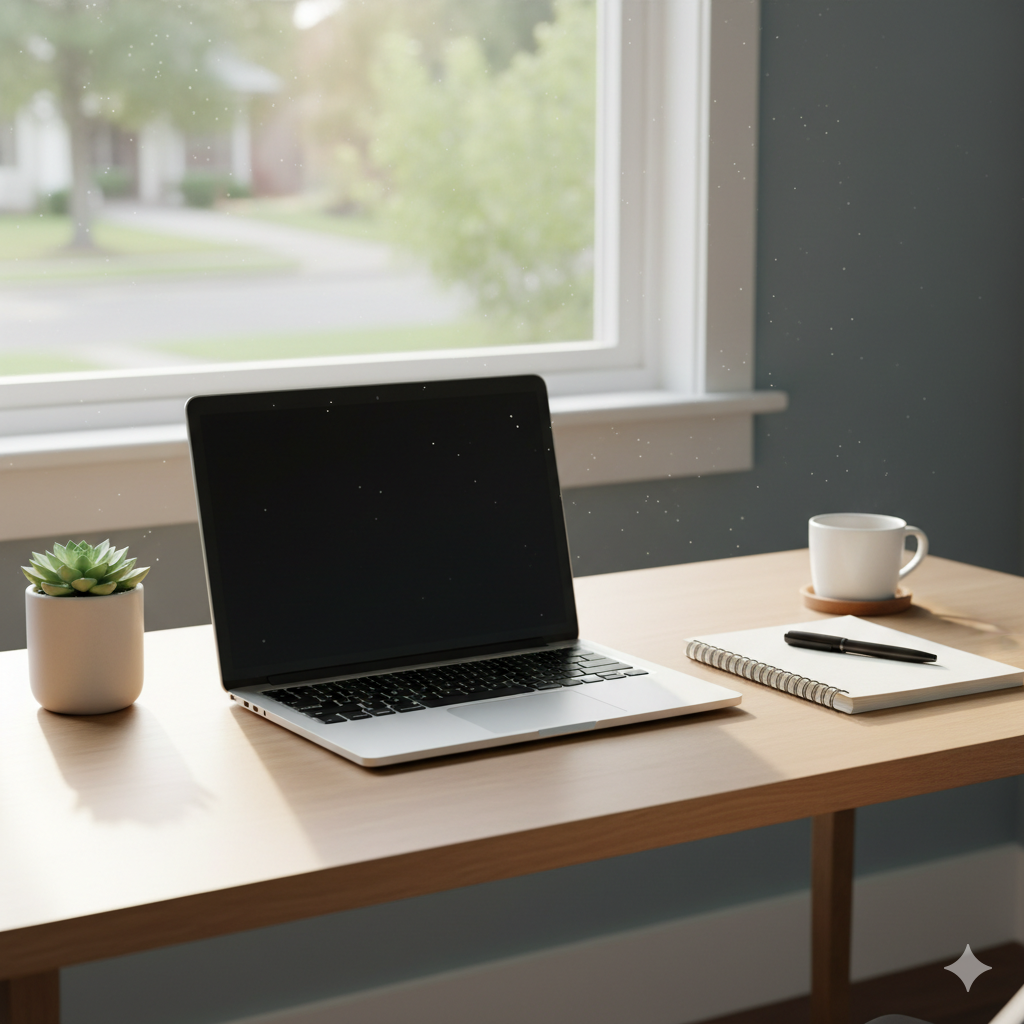
The Psychology of a Clean Workspace
Organizing your desk is the systematic arrangement of daily work tools and the strict elimination of visual clutter. This physical framework minimizes mechanical friction and cognitive distraction, allowing the brain to direct 100% of its processing power toward complex tasks rather than processing environmental mess.
Studies consistently demonstrate that multiple stimuli present in the visual field simultaneously compete for neural representation. In simpler terms: clutter reduction frees up your working memory. When you remove a stack of unpaid bills or unread mail from your desk, you literally remove the subconscious stress associated with those pending tasks.
Mastering Ergonomic Reach Zones
A beautifully minimal desk is useless if it is not highly functional. The secret to a practical setup is organizing items based on how often your body actually interacts with them. This is governed by the ergonomic concept of reach zones.
The Primary Zone (Constant Access)
This is the semi-circle immediately in front of you. You should be able to touch anything in this zone while your elbows remain comfortably at your sides.
- What belongs here: Only your keyboard, mouse, and a dedicated notebook if you are actively writing.
The Secondary Zone (Frequent Access)
This is the area you can reach by fully extending your arms, but without leaning your torso forward.
- What belongs here: Items you use multiple times a day, such as a water bottle, reference binders, or your smartphone.
The Tertiary Zone (Occasional Access)
This is the outer perimeter of your desk. Reaching these items requires you to lean forward or stand up.
- What belongs here: Desk lamps, potted plants, framed photos, and long-term storage trays. Keeping heavy or rarely used items here prevents you from constantly twisting your spine to work around them.
The Strategy of Zoning and Storage
Once you understand the physical reach zones, you must establish logical boundaries for your tools. This concept is called zoning. Zoning means grouping similar items together so your brain always knows exactly where to look for a specific resource.
For example, designate the top right corner of your desk exclusively for reference materials, and the top left corner exclusively for hydration and coffee.
To prevent small, miscellaneous items from turning into a sprawling mess, you must give them a strict physical boundary. Utilizing a dedicated desk organizer in your secondary zone forces pens, sticky notes, and paperclips to remain in one contained footprint rather than scattering across your primary typing space.
Implementing Productivity Systems
Finally, a clean desk cannot survive without behavioral rules to maintain it. You must integrate physical organization with your daily productivity systems.
If you process physical paper, adopt a strict “Inbox/Outbox” system. Do not let loose paper sit in your primary zone. When a document arrives, it goes into the Inbox tray. Once processed, it immediately moves to the Outbox or the shredder.
This continuous physical maintenance is a core pillar of a sustainable career. As explored in our comprehensive guide, Workspace Wellness: Building a Routine for Longevity, establishing a “shutdown ritual” where you clear your desk at the end of every day guarantees that you will start the next morning with a blank canvas and a clear mind.
Conclusion
Transforming your workspace from a chaotic mess into a haven of productivity is entirely within your control. Learning how to organize desk environments is not about achieving a sterile, picture-perfect aesthetic; it is about respecting your cognitive limits. By mastering ergonomic reach zones, applying the strategy of zoning for your tools, and utilizing basic productivity systems, you eliminate the friction that causes daily stress. Commit to these organizational habits, and your desk will become a powerful engine for your best work.
Frequently Asked Questions (FAQ)
How often should I clean and organize my desk?
For maximum productivity, you should perform a “micro-clean” at the end of every workday. Take three minutes to put away pens, stack papers, and wipe down the surface. A deeper organization and audit of your stored items should happen once a month.
What items should absolutely not be on my desk?
Your desk should not house trash, dirty dishes, mail that is unrelated to your work, or excessive personal trinkets that distract you. Keep decorative items to a minimum (1 or 2 items) in the tertiary reach zone.
How does desk clutter affect mental health?
Chronic visual clutter has been shown to increase cortisol (the stress hormone) levels. It bombards the brain with excessive stimuli, leading to feelings of overwhelm, anxiety, and an inability to focus on singular tasks.
Where is the best place to put a phone on a desk?
Unless your phone is actively required for your work tasks, it should be placed in your tertiary reach zone or even in a drawer. Keeping it in your primary zone tempts you to check it constantly, breaking your state of flow.